Overview
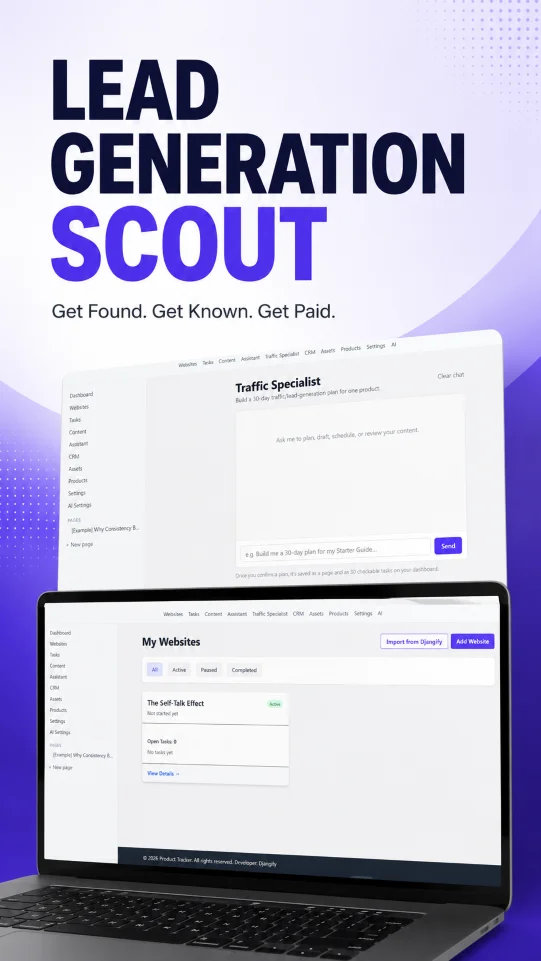
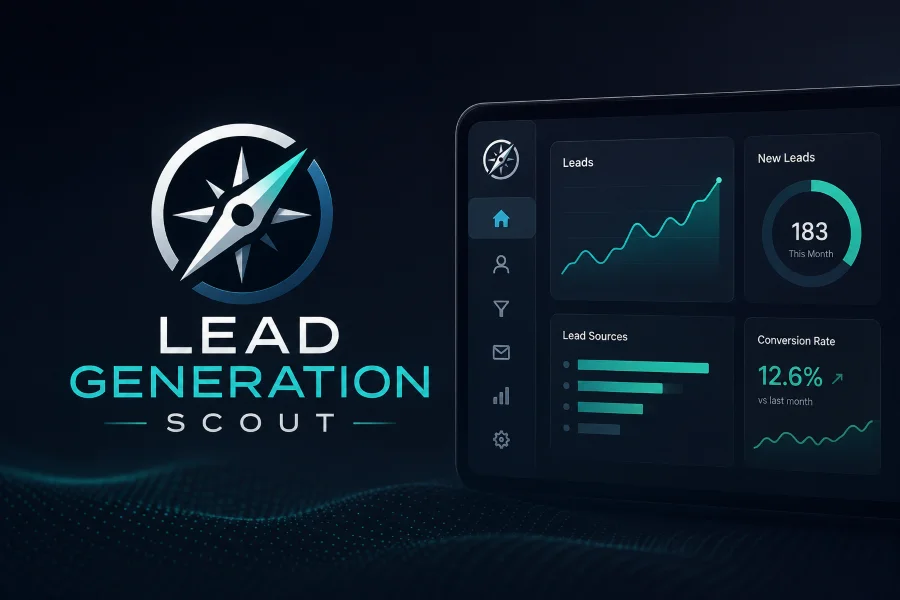
Lead Generation Scout is desktop software for people running more than one small business at a time — and now a full content operation on top. It brings a cross-business dashboard, tasks, a lightweight CRM, nestable notes, digital products, email sequences and newsletters, and a content calendar with a built-in AI engine into a single app.
The whole thing lives on your own PC. You download it, it runs as a desktop app (a Windows .exe), and your data sits in a single SQLite file on your machine — no SaaS subscription, no third-party accounts, nothing leaving your computer. It's built with Django, so a developer who prefers to run it from source or self-host it can, but that's entirely optional; for most people it's simply an app on their computer.
If you run a Djangify store, it connects directly to Djangify and imports your existing details, so you don't have to type everything in again — your business information comes across and you can start working straight away.
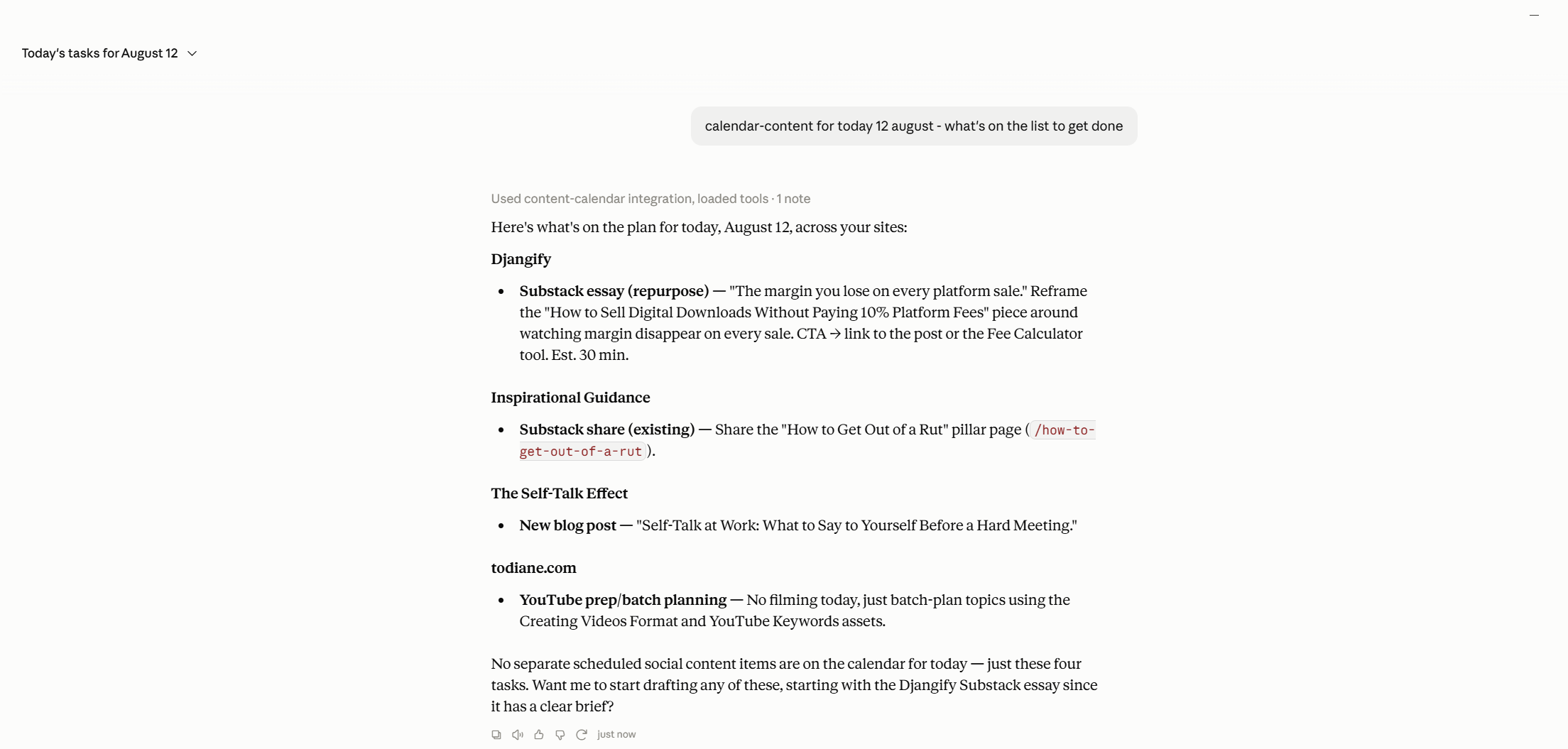
It also has an AI layer you can bring your own provider to — OpenAI, Anthropic or Google Gemini — with one setting driving every AI feature in the app. And because the calendar, planning and email tools are exposed as an MCP server, you can drive them from Claude Desktop on your own subscription instead of an API key if you prefer.
The source lives in a private GitHub repository. Lead Generation Scout ships as a packaged desktop application rather than a hosted service, so there's no public live link.
I am currently the only person using it as of August 2026 but the idea is to provide this as a resource to Djangify owners to help them find buyers for their digital products.
Technical Details
Lead Generation Scout is a Django 5.2 application packaged as a native desktop app. The same codebase runs two ways: as a self-contained Windows executable for everyday users, and as a conventional server deployment for anyone who wants to self-host.
Core features
- Business management — a dashboard showing what's due today and this week (with a clash warning when two businesses land tasks on the same day), multiple websites tracked side by side, a task system with table/board/calendar views and recurring habit tasks, time-logging work sessions, a CRM with pipeline stages and follow-up reminders, nestable block-editor notes, and digital products with a sales log.
- Djangify connection — for Djangify store owners, the app connects to Djangify directly and imports your business details, so your data is carried over instead of re-entered by hand.
- Content calendar — every field from a content-planning spreadsheet in one record (date, pillar, type, topic, platforms, hook, caption, CTA, hashtags, cover media, published link, production and approval status), across calendar, board and table views, with major social platforms seeded out of the box.
- Traffic & growth plans — a Traffic Specialist that builds a 30-day lead-generation plan scaled to the hours you have and drops it in as real, checkable tasks; and Growth Plans that stretch the same idea to 90 days across three linked phases, checking real task-completion data before drafting each new phase.
- Email & newsletters — an Email Specialist that turns what you do into either an automated nurture sequence or a one-off newsletter, written in your voice and saved as a draft. The app never sends email; you paste drafts into your own provider.
AI engine
- Bring your own provider — pick OpenAI, Anthropic or Gemini and swap between them without touching code. API keys are encrypted at rest with Fernet, derived from the app's
SECRET_KEY, never stored in plain text. - Shared voice profile — distil a reusable voice from your own writing, applied everywhere content is generated.
- Rewrite / de-AI-ify — paste existing copy and get it back with the phrasing that reads as AI-written stripped out, rewritten in your active voice.
- Content frameworks — the same house instructions the assistant follows, so everything generated matches your framework (E-E-A-T blog playbook, social posts, the traffic and growth plans, and the email framework) rather than being improvised.
Claude Desktop (MCP)
The content calendar, Traffic Specialist, Growth Plan and Email Specialist tools are exposed as an MCP server. From Claude Desktop you can list, create, move and delete content items and tasks, write to your framework, rewrite copy in your voice, and build or check a 30- or 90-day plan. On first launch the app registers itself with Claude Desktop automatically — no config-file editing — and this path needs no API key, because Claude does the thinking on your subscription.
Stack
- Django 5.2 and Django REST Framework
- SQLite (a single file)
- Tailwind CSS v4 (via
@tailwindcss/cli, no Node build framework) with a little vanilla JS — no front-end framework - AI SDKs:
openai,anthropic,google-genai; keys encrypted withcryptography(Fernet) mcp(Model Context Protocol) for the Claude Desktop server- Gunicorn + WhiteNoise for server deployments; PyWebView + Waitress + PyInstaller for the packaged desktop
.exe
Results
Lead Generation Scout replaces a stack of separate tools — a planning spreadsheet, a task manager, a CRM, a notes app and a content scheduler — with one desktop app that keeps everything on the owner's own machine.
- No subscriptions, no accounts — it runs locally as a Windows
.exe, with all data in a single SQLite file, so there's nothing to sign up for and nothing leaving the computer. - Free AI, if you want it — driving the planning and content tools from Claude Desktop over MCP uses the owner's existing Claude subscription rather than a paid API key, so the AI features cost nothing extra.
- Plans become real work — traffic and growth plans don't just produce a document; they generate checkable tasks scaled to the time available, and the growth planner reads real completion data before escalating, so plans stay realistic.
- One-button backup — a single click exports a complete, restorable snapshot of the whole database plus every uploaded file, so the owner always has an archive they control.
Scope: single user, one browser at a time — no multi-user accounts, no billing, no real-time collaboration. The Claude Desktop connection is local (stdio), working from the Claude Desktop app on the same machine.